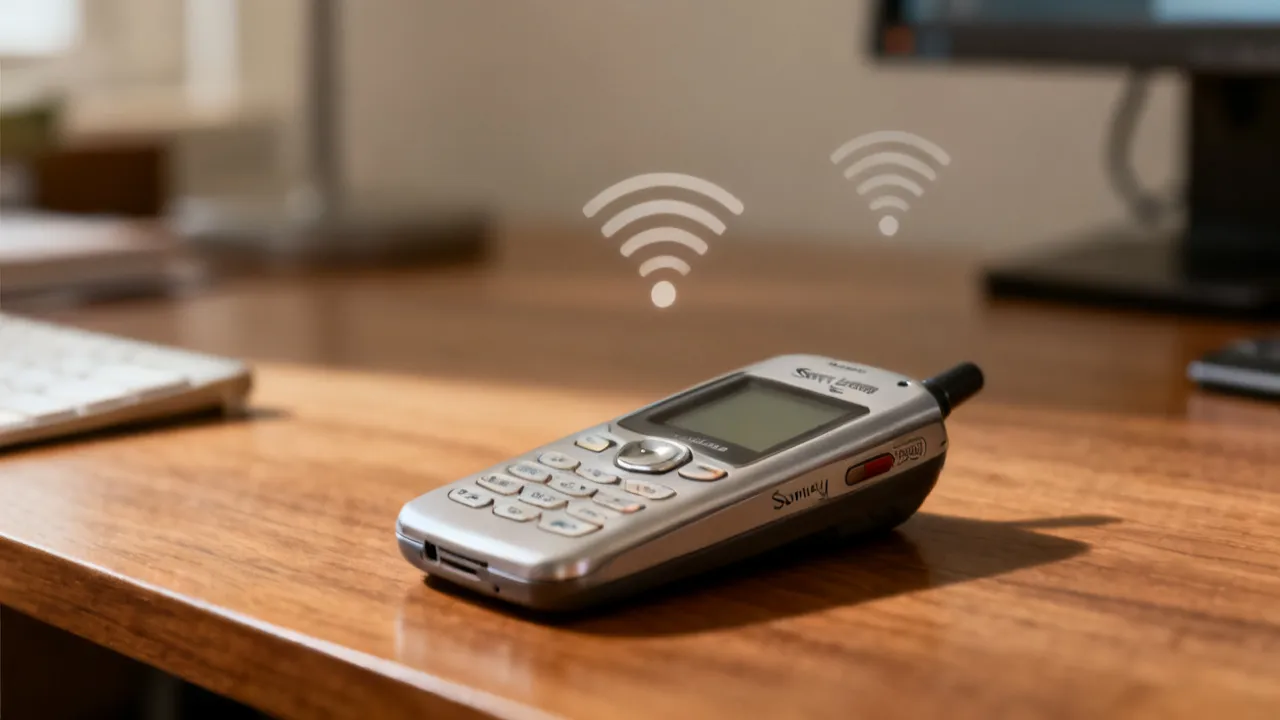
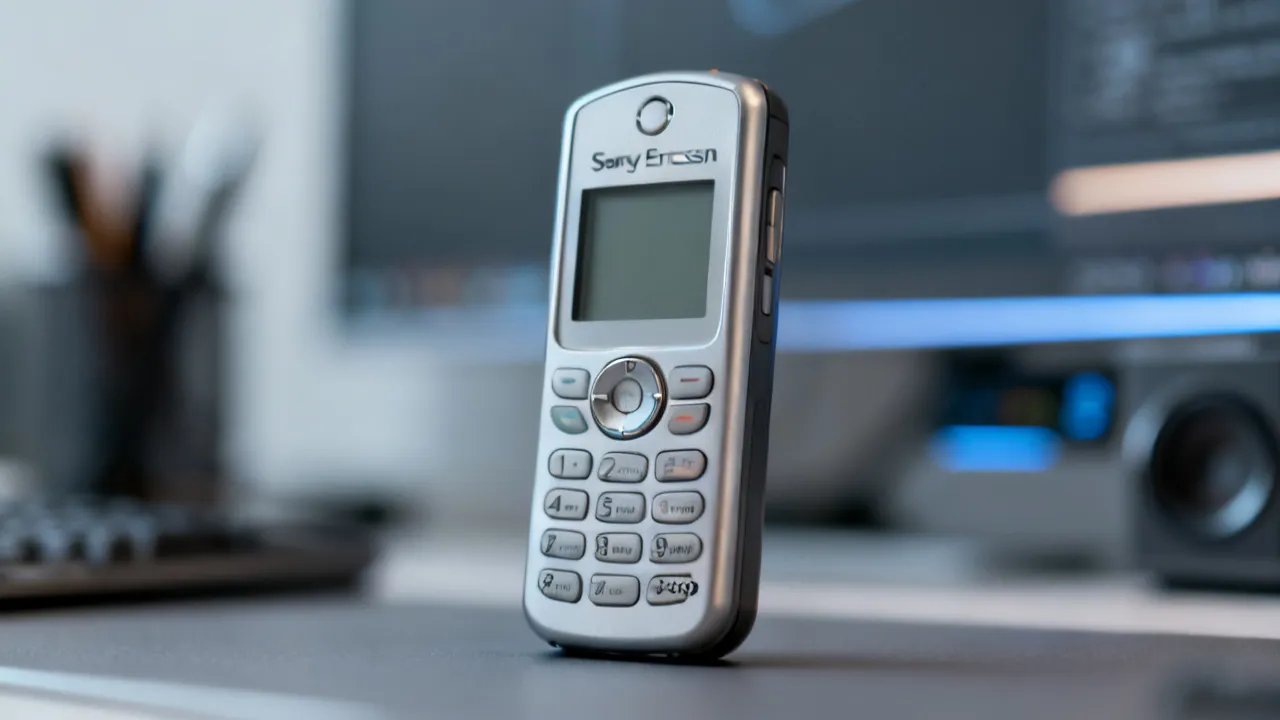
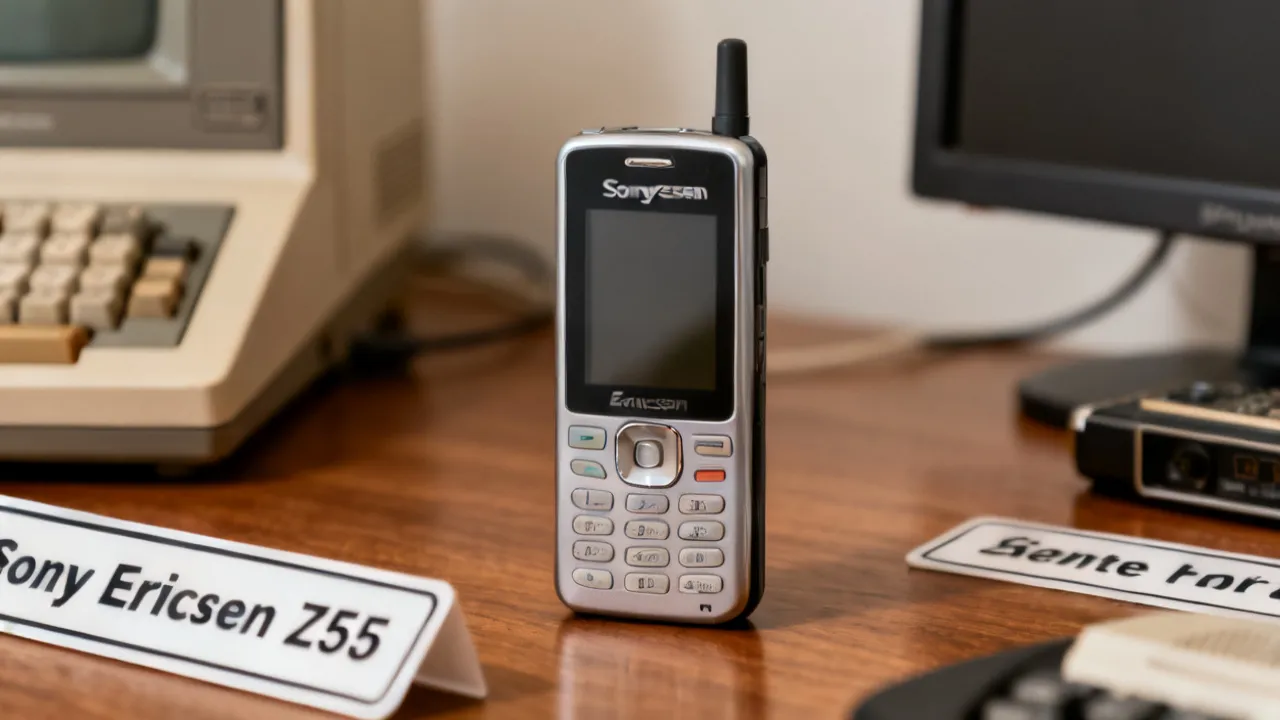
The Sony Ericsson Z550i remains a recognizable early-2000s style phone for collectors and nostalgic users, balancing compact design with multimedia features. This objective guide explains what the Z550i is, how its hardware and software ecosystem worked at the time, and what to evaluate today—especially condition, compatibility, battery health, and serviceability—before buying from any supplier.
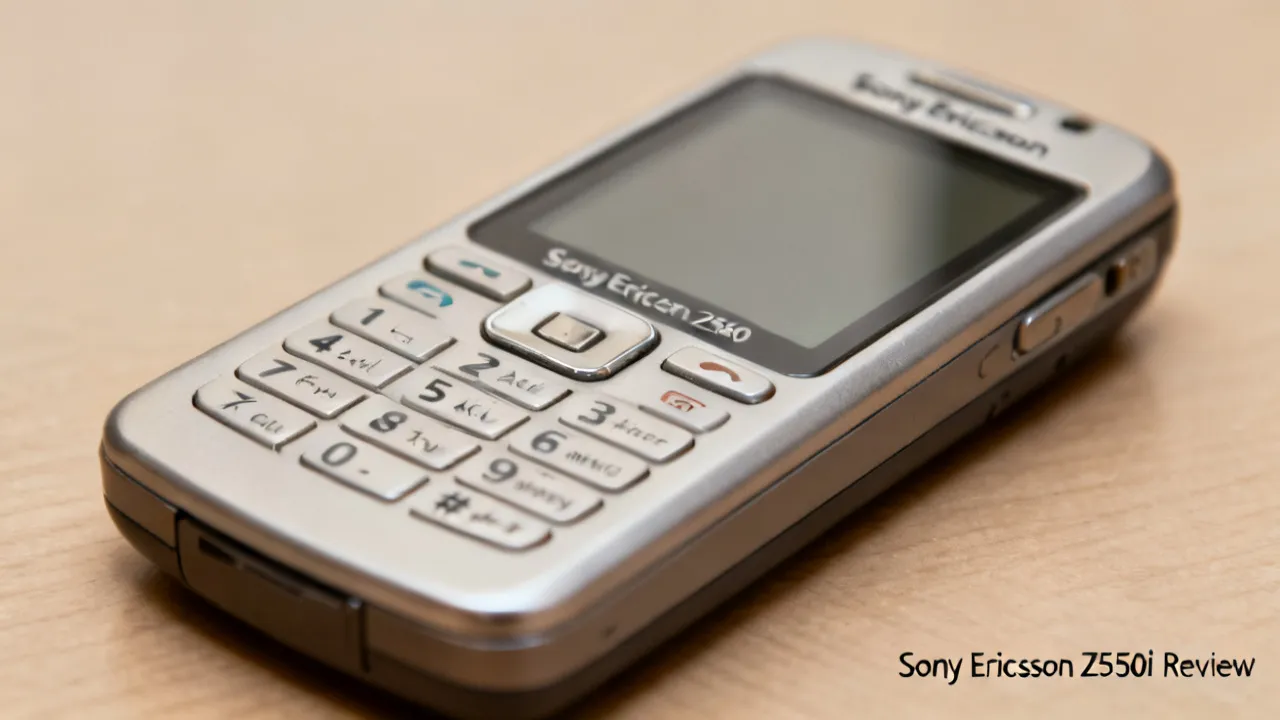
If you’re considering a Sony Ericsson Z550i, the decision is less about chasing “new phone” performance and more about evaluating a specific device in a specific state: hardware condition, battery health, display/hinges (if applicable), keypad integrity, and real-world compatibility with modern networks and accessories. For collectors, the Z550i is a period-correct handset; for practical second-device users, it can still serve basic calling and messaging—provided compatibility and reliability checks are handled carefully.
What keeps the Z550i interesting in the present day is that it sits at the intersection of “retro usability” and “tangible hardware.” Unlike many older phones that feel fragile or clunky when you hold them today, the Z550i retains a sense of ergonomic confidence: physical buttons, a predictable menu system, and an overall design language that doesn’t rely on touch calibration, app compatibility, or cloud services. In a world where a surprising amount of daily friction comes from app logins, permissions, background data, push notification dependencies, and constantly changing server-side support, there’s still a segment of buyers who want a simpler device—one that does fewer things but does them reliably when it’s healthy.
There’s also the collector angle: the Z550i is associated with a mid-2000s era of mobile design, where Sony Ericsson branding, multimedia cues, and everyday physical controls defined the phone experience. For some buyers, the Z550i is not merely “a phone from the past,” but a specific artifact: a handset they recognize from advertising, from friends’ devices, or from their own earlier tech life. In that context, authenticity matters just as much as function. A pristine casing, sharp button legends, and a display that looks “period correct” can be worth more than the ability to run modern software.
Finally, many buyers today approach the Z550i as a “single-purpose backup.” Even when legacy networks are shrinking, certain regions still provide enough 2G/legacy connectivity for basic voice/SMS. When used correctly—unlocked, compatible bands, and a stable battery—the Z550i can be a surprisingly workable emergency or备用 (backup) device. The key is to treat it as a conditional tool rather than a guaranteed modern service replacement.
The Sony Ericsson Z550i is a feature phone from the mid-2000s era marketed by Sony Ericsson. It is commonly remembered for its clamshell-like “everyday carry” identity, multimedia-oriented design cues, and user-friendly physical controls. In that period, feature phones were judged by factors like call quality, button ergonomics, battery endurance, ringtones/tones behavior, camera utility (if present and configured for the time), and the stability of the manufacturer’s software interface.
When buying an older model today, the key difference is that the “tech age” has moved on. Even when the phone powers on, the overall experience depends heavily on whether it can connect reliably to current networks, whether apps and services used in the original ecosystem are still reachable (often they are not), and whether the device’s internal components have aged well.
To understand the Z550i as a buyer, it helps to separate the device into categories:
In other words, the “spec sheet” matters less than the “state of health.” A healthy Z550i is fun and functional; a worn one becomes an unreliable toy even if the listing claims it “works fine.”
An expert-style evaluation of a Sony Ericsson Z550i centers on what determines good usability:
Because the Z550i is an older handset, you also want to pay attention to “failure patterns” that are common in this era of phones. For example, batteries can exhibit “it powers on but drains instantly,” while charging issues can appear as “it connects but stops charging after a few minutes.” Keyboards can suffer partial failure where certain directions respond sluggishly or require pressure. Screens can show uneven backlight or dead pixels. Even though feature phones have fewer moving parts than smartphones, the moving parts that do exist—charging port contacts, battery contacts, and button membranes—still age.
Another check is basic audio testing. Many listings show a boot screen photo but skip the real-life experience of call audio. Ask for a test: speaker volume clarity, microphone capture (does the caller hear you clearly), and any audible distortion. If you can test in person, run a two-way call test if possible; if not, request a video demonstrating a voice call or at least a microphone recording sample.
It’s important to set realistic expectations. The Sony Ericsson Z550i was not designed for modern app ecosystems. Therefore, buyers should treat it primarily as:
What it typically won’t be, reliably, is a “modern internet phone.” If your primary need is web browsing, cloud apps, or contemporary messaging platforms, the Sony Ericsson Z550i should be considered unlikely to meet those goals.
In a 2026 context, there are common “practical mismatch” scenarios:
That doesn’t make the Z550i useless. It makes it a different kind of device. If your objective is “a phone that looks right, feels right, and handles basic voice/SMS,” a healthy Z550i can still satisfy that need.
From an industry viewpoint, “older handset success” is veryly about condition consistency. Here are signals that experienced resellers and technicians use to grade devices:
There are also more subtle quality signals that matter with the Z550i. For example:
Another expert signal is consistency between photos and claimed condition. If the listing photos show heavy wear near the same area but the text says “very good condition,” assume the seller is guessing or omitting details. The most trustworthy listings are boring: they describe what you can see, add what you can’t easily see (battery health, test results), and avoid overly optimistic language.
You asked to incorporate price information and supplier details, but no explicit price, supplier name, or location-specific purchasing data was provided in the prompt. So the very objective approach is to explain how to evaluate pricing for a Sony Ericsson Z550i without inventing figures.
In older-device markets, price usually reflects:
To make pricing evaluation practical, think in terms of total risk cost, not only the purchase price. A slightly higher price from a refurbisher can be “cheaper” if it reduces the probability of a non-functional battery or charging port issue. If you know you can test in person and verify key functions quickly, private seller pricing might be fair. If you can’t test and there’s no meaningful return policy, even a lower price might be costly once you factor in replacement parts or repair time.
Also consider replacement feasibility. If the charging port is worn, it might require repair by a technician. If the battery is degraded, a replacement battery might be easy, but only if the battery is genuine or properly rated. If you cannot source a reliable battery locally or the device uses a connector with tight tolerance, the “cheap” phone can become an ongoing hassle.
If you do share the actual price, a supplier name, and your region (even just the carrier or country), the guide can be rewritten with concrete comparisons tailored to your options—still without inventing any facts you didn’t provide.
Because the Sony Ericsson Z550i is a legacy handset, your ability to use it depends on whether your region still supports the relevant 2G technologies. Major mobile operators globally have been refarming spectrum for newer networks; while 2G often persists, coverage and reliability can vary by country and even by neighborhood. For accurate guidance, buyers should consult:
Condition: If the phone’s network bands don’t match what your carrier currently uses for legacy service, the device may power on but fail to register calls and messages.
Compatibility is not only about “will it connect.” It’s also about how stable the registration is. Some phones may show signal bars but fail to reliably handle calls. Others may connect but drop registration repeatedly when moving between areas or during periods of low signal. In practice, older handsets can struggle with modern network behaviors if they expect older signaling patterns or if the carrier has changed how fallback works.
So, beyond band compatibility, you should consider:
If your plan is to use the Z550i as an emergency device, you want evidence that it registers reliably in the specific locations you care about (home, workplace, usual travel routes). A quick test with the seller’s SIM can help in some cases, but ideally you test with your own SIM and in your environment.
The following is a field-style checklist you can apply to any listing. It’s deliberately practical and avoids assumptions.
To expand this into an even more “expert practical” procedure, consider adding these two layers: pre-questions and post-delivery checks.
Pre-questions (message the seller):
Post-delivery checks (do this quickly after arrival):
These steps might feel redundant, but with older feature phones, they are the difference between “fun collectible” and “expensive disappointment.”
Below is a comparison of common purchase routes for a Sony Ericsson Z550i. It helps you map your risk tolerance to the very suitable supplier type.
| Purchase Route | Typical Strengths | Key Conditions to Require | Buyer Risk Level |
|---|---|---|---|
| Certified refurbisher | Often better inspection, standardized grading, and battery replacement options | Request battery details, test logs, and a clear warranty/return period | Lower |
| Local resale (marketplaces) | Sometimes easier in-person inspection and negotiation | Do full keypad/speaker/charge tests before payment; confirm unlock status | Medium |
| Private seller | Can offer unique condition units and original accessories | Require photos/video of core functions and specify return or dispute terms | Higher |
| Parts-and-repair listings | Lowest upfront cost when troubleshooting is your goal | Demand a precise fault description and clarify whether the device is fully tested or non-functional | Highest |
To make this table even more practical, interpret it using your goal:
From an engineering and service perspective, older phones like the Sony Ericsson Z550i can be dependable if they have been maintained properly—clean charging contacts, preserved battery storage, and minimal drops. However, the practical reality is that spare parts availability diminishes over time, so “repair confidence” matters.
If your purchase goal is daily backup reliability, prioritize refurbishers who can guarantee basic functional checks and provide battery options. For collectors, you might accept slightly higher risk if the unit is cosmetically pristine, but you should still confirm core hardware behavior.
Reliability is not just “does it work today.” It’s whether it behaves consistently after you use it for a week. With older batteries, you can see early signs of failure even within a few days: rapid drain, voltage dips causing spontaneous power-off, or intermittent battery recognition. Charging reliability can also worsen with temperature: a phone that charges fine indoors might fail in colder conditions if internal contacts are compromised.
Serviceability concerns include:
Because of these factors, the best reliability approach for a buyer is to reduce “unknowns” up front. That means requiring test proof, asking about battery history, and ensuring there’s a return policy. If you’re buying online without those safeguards, you’re effectively betting against typical aging failures.
Even if the Sony Ericsson Z550i powers on, your experience depends on how you intend to move media or configure settings. Because older phones often rely on earlier synchronization methods, buyers should:
This is another area where supplier quality matters more than the label price.
File transfer and media workflow can be more complicated than it sounds because older phones may use proprietary connection methods. If you plan to load ringtones, music, or photos, you should confirm:
Practical tip: if you’re not sure about transfer compatibility, shift your plan to “offline only” usage. For a backup phone, you may only care about contacts, call/SMS, and maybe a local ringtone. That reduces dependency on cables, drivers, and desktop software. If you do want to use it as a media device, you should budget time to test transfer functions before trusting it for daily use.
When scanning listings for the Sony Ericsson Z550i, use this interpretive guide to detect helpful vs. vague information:
To go even deeper (and to help you interpret suspicious wording), consider common phrasing patterns:
If the listing includes photos, prefer those that show:
These textual and photo cues help you reduce the chance of receiving a device that looks okay but fails the tests that matter to you.
It depends on your carrier’s continued support for legacy 2G service and the phone’s exact supported bands. Confirm unlock status and check compatibility using your carrier’s documentation and the phone’s model variant details.
Battery health and legacy network compatibility are usually the largest practical risks. A phone that powers on may still perform poorly (short battery life, intermittent charging, or failure to register on your carrier’s current network).
In-person, test calling, speaker output, microphone input, vibration, and every keypad button. Also confirm stable charging for several minutes and inspect the screen for uneven backlight or physical damage.
They may not be. Connector type, voltage/current characteristics, and fitment can vary. Only use chargers and batteries verified for the Sony Ericsson Z550i or explicitly confirmed compatible by a reputable supplier.
For very buyers prioritizing reliability, a refurbisher tends to reduce risk due to inspection and standardized grading. Private sellers can be fine if they provide video proof of core functions and offer clear return terms.
Older phones can show instability due to aging components, corrupted settings, low battery voltage, or storage wear. A seller who tests and restores the device to a stable baseline generally offers a better outcome.
Typically not. The Z550i is a legacy feature phone, so modern app-based messaging is unlikely to be supported. Expect it to be used for traditional SMS and voice services, depending on network availability.
If registration fails, first confirm the phone is unlocked and that your SIM is provisioned for legacy voice/SMS service. Then verify that the phone’s supported bands align with your carrier’s 2G frequencies. If you can, test with another SIM (from a different carrier) to isolate whether the issue is carrier provisioning or handset compatibility.
Look for evidence of stable runtime and charging behavior. For backup use, you care less about maximal hours and more about reliability: does the battery drain quickly after a full charge, does it cause random power-offs, and does charging consistently resume to the same level. If a seller can’t provide battery test behavior, treat the unit as higher risk and plan for battery replacement as a possibility.
A reset can help with corrupted settings, but it does not fix hardware aging. If the phone’s charging system, battery contacts, speaker/mic, or network behavior are physically degraded, a reset won’t solve it. Resets are useful as a maintenance step; they should not replace real hardware testing.
In the end, the Sony Ericsson Z550i is top approached as a legacy device with a clear identity: compact hardware, a recognizable era of mobile design, and practical usefulness only when network and battery realities align. By prioritizing verified unlock status, battery health evidence, stable charging, and a return policy, you maximize the chance that the phone you receive matches the experience you’re aiming for—whether that’s collecting, gifting, or keeping a dependable backup handset.
Next step: If you share the actual price, the supplier details, and any region or nearby location you plan to buy from, I can revise this guide to include a concrete, non-speculative comparison tailored to your exact options—while keeping the same objective, professional standard.